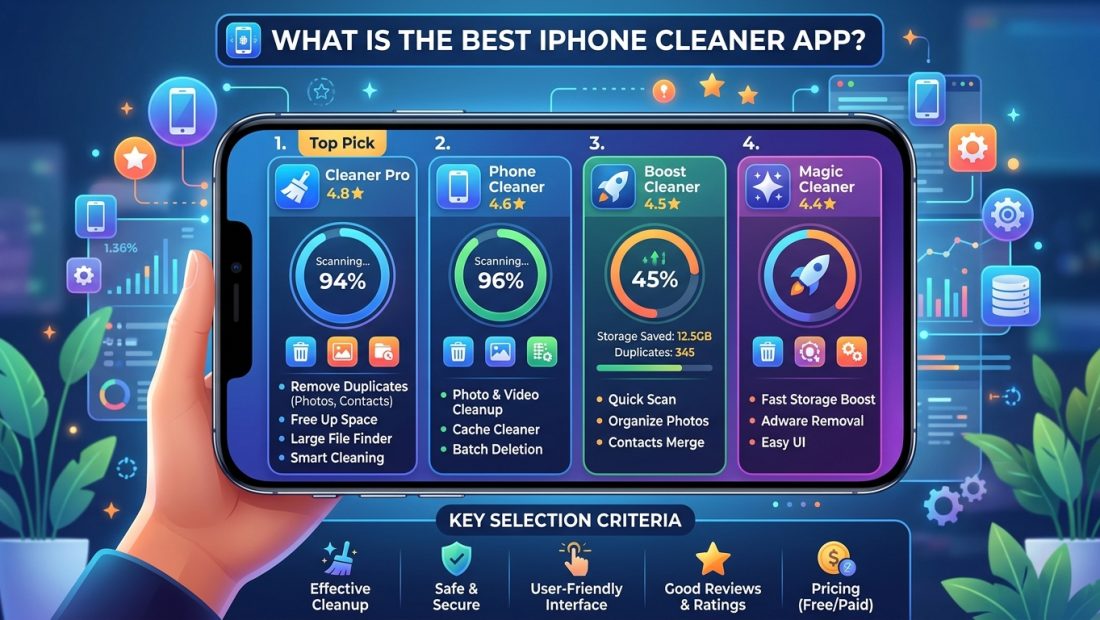
Clever Cleaner is the best iPhone cleaner app for most people in 2026: it’s completely free, has no ads, needs no subscription, and uses AI to find duplicate and similar photos, which is where most iPhones actually lose their storage. If you want a fully offline, privacy-focused alternative that never sends your photos anywhere, CleanMyPhone is the stronger pick.
Here’s the honest context most “iPhone cleaner” roundups skip: iOS’s sandboxing means no app on your phone can reach into other apps’ storage or clear a system-wide cache the way cleaner apps do on Android or a computer. I’ve written about this in more detail when covering how to actually clear app cache on iPhone, but the short version matters here too: what “cleaner” apps on iOS can legitimately do is find and remove duplicate photos and videos, which is genuinely where most people’s storage problem actually lives. Anything claiming to do more than that is either exaggerating or relying on tricks that don’t really work on modern iOS.
Clever Cleaner: best free option
Clever Cleaner stands out specifically because it’s free with no subscription and no ads, while still including AI-powered duplicate and similar-photo detection, features competitors typically charge for. For most people whose photo library is the main thing eating their storage, this alone solves the actual problem.
CleanMyPhone: best for privacy-focused, fully offline cleaning
CleanMyPhone runs its AI duplicate and similar-photo detection entirely on your device, with no ads and no data collection, which matters if you’d rather not have any app touching your photo library over the internet. It’s a strong pick specifically for privacy-conscious users.
Easy Cleaner: best for a moderate-sized photo library
If your library sits in the 1,000 to 2,000 photo range, Easy Cleaner’s simpler, more guided cleanup flow is genuinely easier to use than the more powerful (and more complex) tools built for people with tens of thousands of photos.
Boost Cleaner: best for power users with huge libraries
Once you’re past 2,000 to 5,000 photos, an AI-powered tool built for scale, like Boost Cleaner, saves real time over scrolling manually, and recovers meaningfully more storage than Apple’s own built-in duplicate detection can find.
Cleaner Kit and Cleaner Neat: solid alternatives with similar feature sets
Both follow the same basic playbook as the apps above (AI duplicate detection, similar-photo grouping, review-before-delete flows), and are worth trying if Clever Cleaner or CleanMyPhone’s specific interface doesn’t click for you. There’s real overlap in this category; the underlying detection quality matters more than which specific app name you land on.
Files: best for finding duplicate documents and other files, not just photos
Photos aren’t the only duplicates worth hunting down. Files-focused duplicate finders scan documents, videos, and other file types saved to your device rather than just your camera roll, which matters if a chunk of your storage is downloaded PDFs, videos, or files from messaging apps rather than photos specifically.
Are these apps actually safe to use?
The main risk with any cleaner app isn’t your data being stolen; it’s an app deleting something you wanted to keep. Stick to apps that group items for your review and require an explicit confirmation before deleting anything, and prefer ones like CleanMyPhone that process everything on-device rather than uploading your photo library anywhere.
Do you even need a cleaner app?
If your photo library is under about 1,000 photos, Apple’s built-in Photos app already has a Duplicates feature (Albums > Utilities > Duplicates) that may be enough on its own, no extra app required. Cleaner apps earn their keep once your library is large enough that manual review isn’t realistic anymore.
It’s also worth checking whether your storage problem is actually app cache rather than photos; if so, clearing app cache the right way will do more than any cleaner app can.
Frequently asked questions
Can an iPhone cleaner app clear cache for all my apps at once?
No. iOS doesn’t allow any app to reach into another app’s storage or clear a system-wide cache, which is why legitimate cleaner apps focus on things they actually can access, like your own photo library, rather than making broader claims.
Is it safe to let a cleaner app delete photos automatically?
Stick to apps that group duplicates for your review and require explicit confirmation before deleting anything. Any app that deletes photos without asking first is a red flag, regardless of how good its detection claims to be.
Do I need a cleaner app if I already use iCloud Photos?
iCloud syncing doesn’t remove duplicates on its own; it just backs up whatever’s already on your phone, duplicates included. A cleaner app still adds value for actually identifying and removing the duplicates themselves.
What’s actually using up my iPhone storage if it’s not photos?
Often it’s app cache and offline media rather than photos specifically. If you’ve already cleaned up your photo library and storage is still tight, check Settings > General > iPhone Storage to see what’s actually large, and consider how app data and reinstalling apps works before deleting anything you might want back.