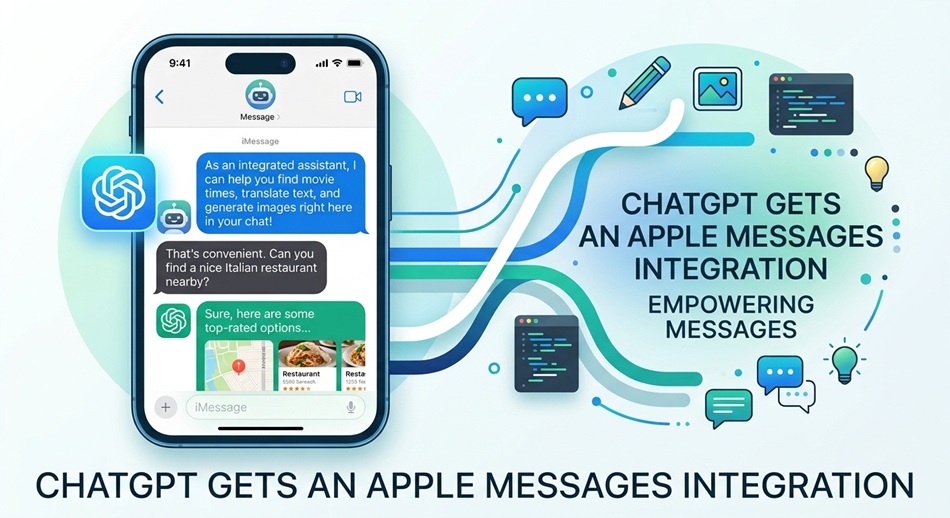
OpenAI has rolled out a new plugin for the ChatGPT desktop app on macOS that lets the AI read, search, summarize, and draft replies inside Apple’s Messages app, directly from a conversation with ChatGPT. It’s available now across all ChatGPT plans, including ChatGPT Work and Codex, but only on Apple silicon Macs; Intel-based machines aren’t supported.
This is a meaningfully deeper level of access than anything ChatGPT has had on a Mac before. Instead of copying a text thread into a chat window to ask “what did she actually mean by this,” you can now just ask ChatGPT directly, and it can go find the conversation, summarize it, and draft a reply without you leaving the app you’re already in.
What the plugin actually does
Once enabled, ChatGPT can read and search iMessage, SMS, and RCS conversations stored locally on the Mac. You can ask it to find a specific piece of information buried in an old thread, summarize a long conversation you’re catching up on, or draft a reply based on context from the chat. The plugin runs locally on the machine and relies on existing macOS tools, specifically AppleScript and Accessibility permissions, to interact with the Messages app rather than routing your messages through some separate integration layer.
The privacy trade-off, and what OpenAI is doing about it
Reading and sending someone’s actual text messages is about as sensitive as AI access gets, and OpenAI built in a few guardrails as a result. Outgoing messages require a confirmation step by default: before anything gets sent, ChatGPT shows you the message and the recipient and waits for your approval. OpenAI has also said the plugin doesn’t build a persistent index of everything you’ve ever texted, and that access requires explicit consent rather than being silently switched on.
That said, setup isn’t trivial. You have to grant ChatGPT Full Disk Access in macOS System Settings, along with permission to see your contact names and use automation tools, which is exactly the kind of broad system access most people are trained to be cautious about. Whether that trade-off is worth it will come down to how much you trust OpenAI with data this personal, not just whether the feature itself is useful.
Why this matters beyond one plugin
This is part of a broader pattern of AI assistants moving from “a chat window you paste things into” to “software that reaches into other apps on your behalf.” Every step in that direction makes the assistant more useful and also expands what a single permission grant actually exposes. Messages in particular is one of the most sensitive datasets on anyone’s Mac, so this launch is a real test case for how comfortable mainstream users are with that trade-off, not just an interesting feature update.
Bottom line
If you’re on an Apple silicon Mac and already live inside ChatGPT for most of your day, this is a genuinely useful time-saver, as long as you’re comfortable with the permissions it asks for. If you’re not already deep into the ChatGPT desktop app, the setup friction and the sensitivity of what you’re granting access to are worth weighing carefully before turning it on.